Good product photos help your products stand out, but creating them isn’t always easy. Traditional product photography can be expensive and takes time, especially if you need professional editing or multiple images.
AI product photography tools make the process much easier. You can generate new product images, remove backgrounds, improve photo quality, or create lifestyle shots in just a few clicks.
To help you find the right tool, we’ve compared three of the best AI product photography tools in 2026: Krea, Pebblely, and Photoroom.
Why use an AI product photography tool?
- Save time
Create product photos in minutes instead of spending hours shooting and editing.
- Spend less
Skip expensive photoshoots and create high-quality images with AI.
- Create better marketing content
Make product photos for your website, online store, ads, or social media.
- Easy for anyone to use
Most AI tools are beginner-friendly, so you don’t need editing or design experience.
Krea
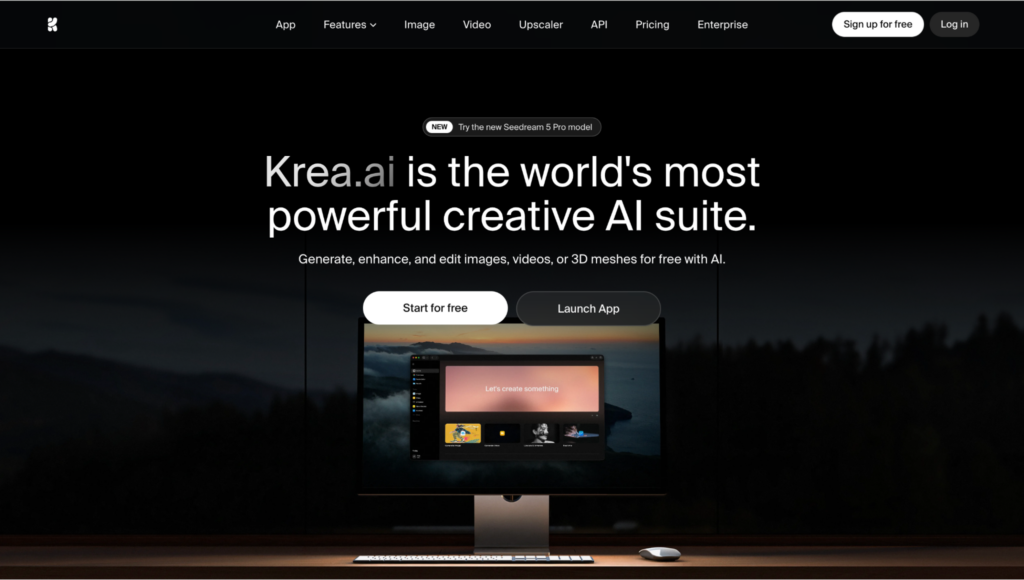
If you want more than just a simple background remover, Krea is one of the most versatile AI creative tools you can use.
Along with AI image generation, it includes powerful editing and enhancement tools that make it a great option for creating product photos, marketing visuals, and ecommerce content.
One of Krea’s biggest advantages is that it brings several of the latest AI image models into one platform. Instead of jumping between different apps, you can generate, edit, upscale, and fine-tune your images from a single workspace.
Key features
- Create product photos from text or reference images
Start with a prompt or upload your own product image to generate polished product shots while keeping your branding consistent.
- Try different versions in one click
Generate multiple variations of the same image to experiment with backgrounds, lighting, angles, or compositions until you find the one you like best.
- Edit and enhance your images
Krea includes tools like a background remover, AI image editor, image enhancer, and upscaler, so you can improve existing product photos without switching to another app.
- Upscale images up to 22K
Need a higher-resolution image for your website, ads, or print materials? Paid plans let you upscale images up to 22K resolution.
- Access multiple AI models
Krea gives you access to several leading image models, including Krea 2, Flux, Imagen, Nano Banana, and more, all under one subscription.
Pros
- Free plan available
- Easy-to-use interface
- Powerful editing and upscaling tools
- Access to multiple AI image models
- Great for product photos and other creative projects
Cons
- Some advanced features require a paid plan
Pebblel
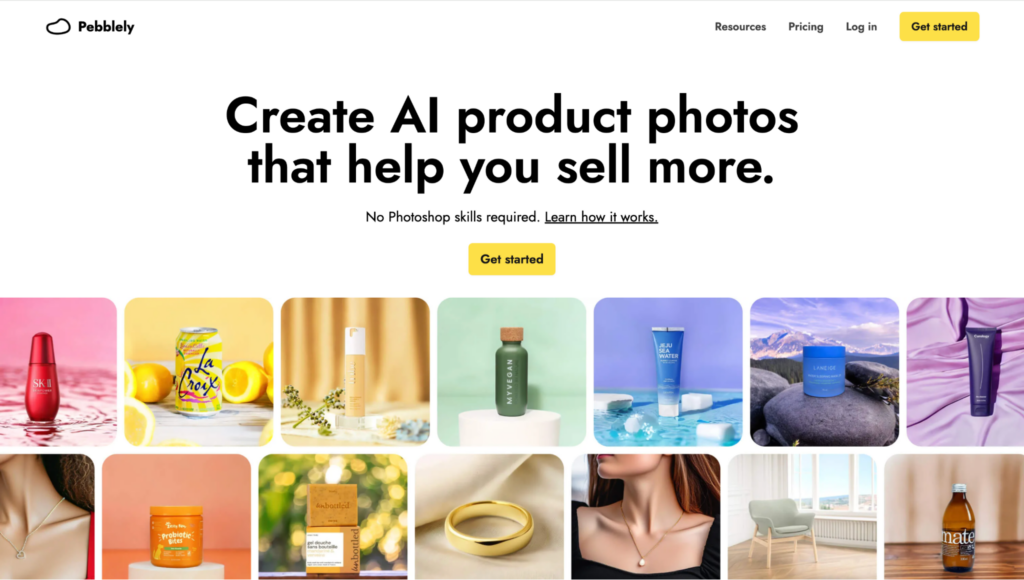
If your main goal is creating product photos for an online store, Pebblely keeps things simple. It’s built specifically for ecommerce businesses, so you don’t have to learn a complicated editing program to get professional-looking results.
Key features
- Replace backgrounds in seconds
Upload your product photo and let Pebblely generate clean, professional backgrounds automatically.
- Create lifestyle product images
Place your products into realistic scenes that look ready for your website, online store, or social media.
- Generate images in bulk
Need photos for lots of products? Pebblely can create multiple images at once, saving you a lot of time.
- Resize for different platforms
Export images in sizes that work well for ecommerce stores, ads, marketplaces, and social media.
- Keep your branding consistent
Reuse styles and colors across your product photos for a more professional-looking catalog.
Pros
- Very easy to use
- Made specifically for ecommerce
- Quickly creates professional product photos
- Great for large product catalogs
Cons
- Fewer creative editing features than Krea
- Best suited for product photography rather than general AI image creation
Photoroom
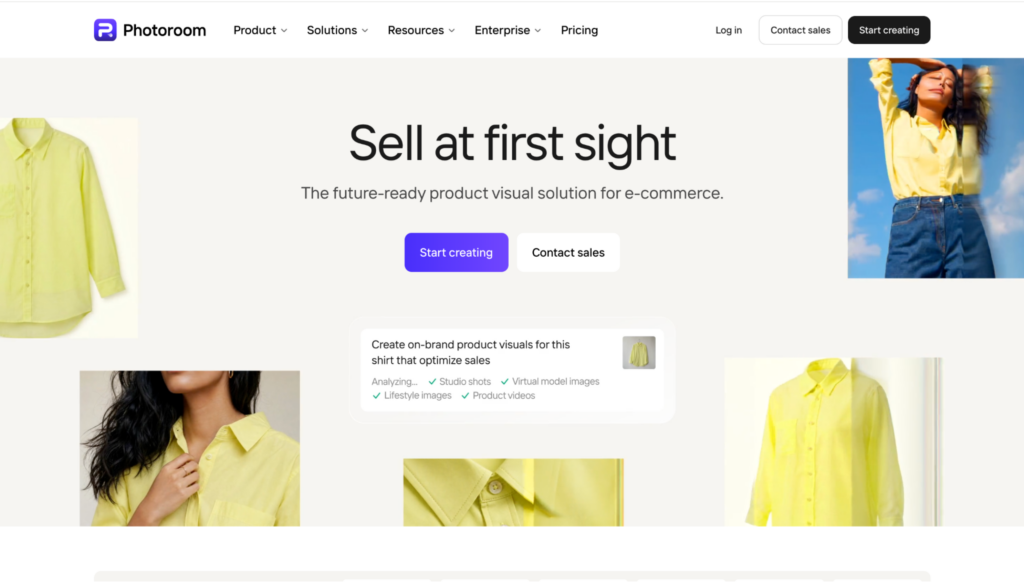
If you want to create clean, professional product photos without spending hours editing, Photoroom is a great choice. It’s especially popular with ecommerce sellers, small businesses, and content creators thanks to its easy-to-use interface and quick editing tools.
Whether you’re selling on Shopify, Amazon, Etsy, or social media, Photoroom makes it easy to turn ordinary product photos into polished marketing images.
Key features
- Remove backgrounds in one click
Instantly remove or replace backgrounds to create clean, professional product photos.
- Create AI backgrounds
Generate realistic scenes that match your product instead of using plain white backgrounds.
- Resize for different platforms
Export your images in the right size for marketplaces, online stores, or social media.
- Batch editing
Edit multiple product photos at once to save time when working with larger catalogs.
- Ready-made templates
Choose from a variety of templates to quickly create product ads, social posts, and promotional graphics.
Pros
- Very beginner-friendly
- Excellent background removal
- Fast editing workflow
- Great for ecommerce and social media
Cons
- Fewer AI image generation features than Krea
- Some premium editing tools require a paid plan
Conclusion
We explored three different tools with slightly different features, but the right AI product photography tool depends on what you need.
If you’re looking for an all-in-one solution, Krea stands out with its AI image generation, editing, upscaling, and access to multiple leading models in one platform.
If your focus is ecommerce product photos, Pebblely is a great pick, while Photoroom is ideal for quickly editing images and removing backgrounds.
No matter which tool you choose, AI can really help you create professional-looking product photos faster and with less effort.