Video Creation has changed a lot over the past few years. From improvements in technology to advancements in AI, the way we think about and create videos has changed drastically. AI video models will continue to improve in 2026, becoming even more accessible while also being available all-in-one. That’s where Loova comes in. Loova houses the best AI video models in one place, giving creators the ability to use state of the art AI to improve their videos. In this blog, I’ll show you the best AI video models we’ve tested in Loova.
Loova’s All-in-One AI Platform: A Quick Overview
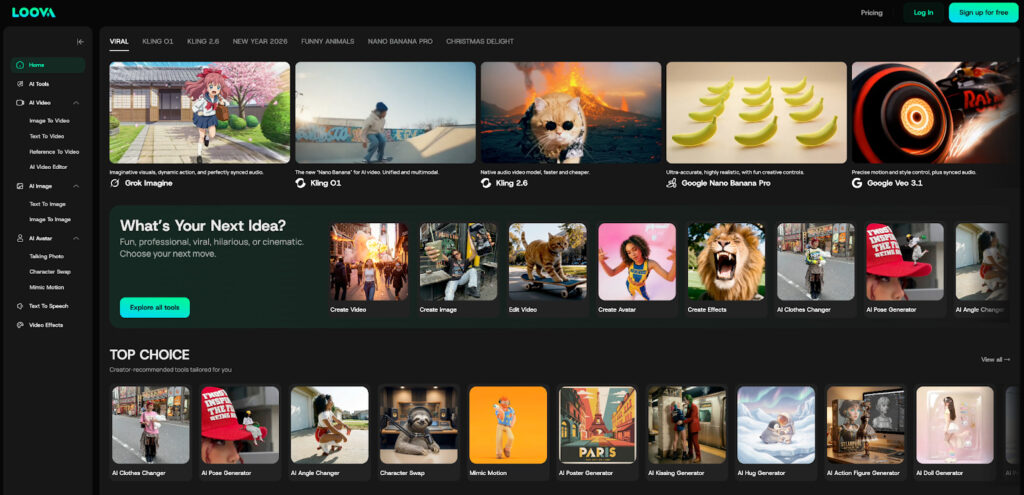
But before we jump into each video model individually, let’s discuss what sets Loova apart. While there are plenty of websites and services out there that give you access to video editing software, Loova is different because Loova is an all-in-one AI platform that combines a variety of AI video models into one convenient location.
On Loova, you can create videos from text, turn images into videos, apply AI video effects, and even create professional voiceovers with just a few clicks of your mouse.
Loova is powerful because we’ve compiled some of the most robust AI video models in 2026 into one place for you.
Grok Imagine: Imaginative Visuals with Creative Freedom
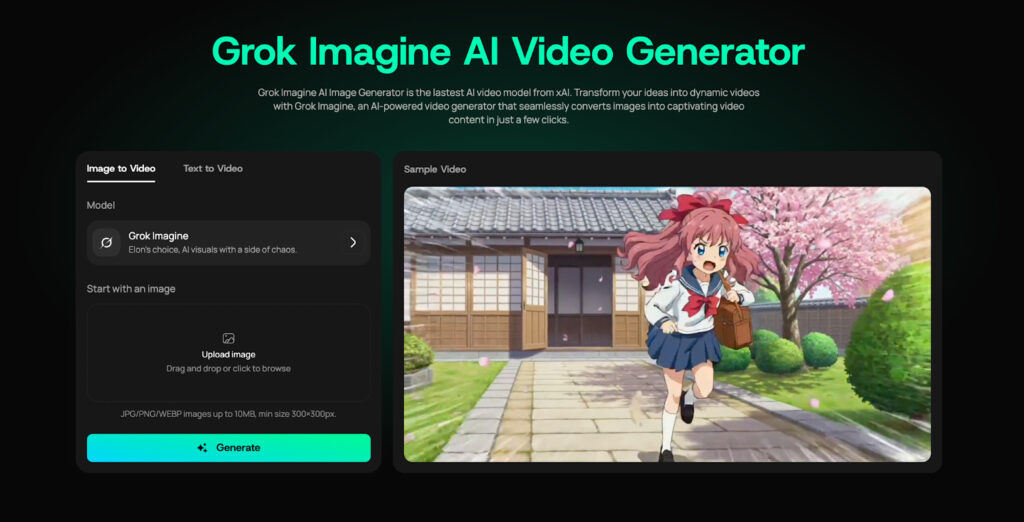
Grok Imagine excels at creating images and videos up to 15 seconds in length that are stylish, visually arresting, and have excellent composition. Grok Imagine is ideal for generating content for social media posts, story ideas, concept art, or other experimental imagery that values creativity and punch over photorealism. Let your imagination run wild with dramatic camera angles, motion blurs, and styles without having to fuss about with complicated configurations.
Why it’s great: Grok Imagine is perfect for creators who want bold, cinematic visuals and fast creative exploration, without spending hours tweaking parameters or workflows.
Test results: Within Loova, Grok Imagine delivered visually rich outputs with strong style coherence and dynamic motion. Its ability to capture atmosphere and creative intent made it a standout choice for generating visually engaging content quickly.
Veo 3.1: The AI Model for High-Quality Video Generation
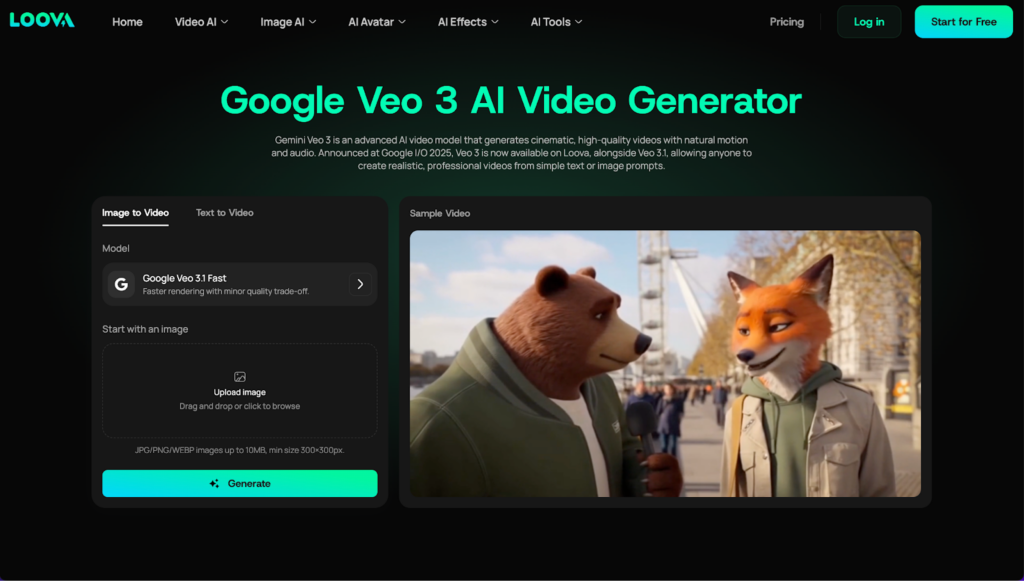
Veo 3.1 is one of the most impressive AI video generators out there. It’s also one of Loova’s biggest stars. Veo offers you unmatched AI video generation and real-time scene rendering capabilities so you can create professional videos in minutes. But what really makes Veo 3.1 unique is its full-length video generation. Enter your text and watch Veo paint you a masterpiece complete with AI animations, voice overs and eye-catching visuals.
Use Veo 3.1 for product demos, company presentations, tutorials; any time you need high quality visuals and crisp, concise information. Veo will automatically format your video to flow however you provide the content.
Why it’s great: It’s perfect for businesses and marketers who need to create polished, engaging videos without having to invest in expensive video editing software or hire a production team.
Test results: In Loova, Veo 3.1 worked seamlessly to generate compelling video content. The AI’s ability to create realistic transitions and scenes in real-time was impressive, making it one of the best options for quick video generation.
Sora 2 Pro: AI-Powered Video Creation with Deep Customization
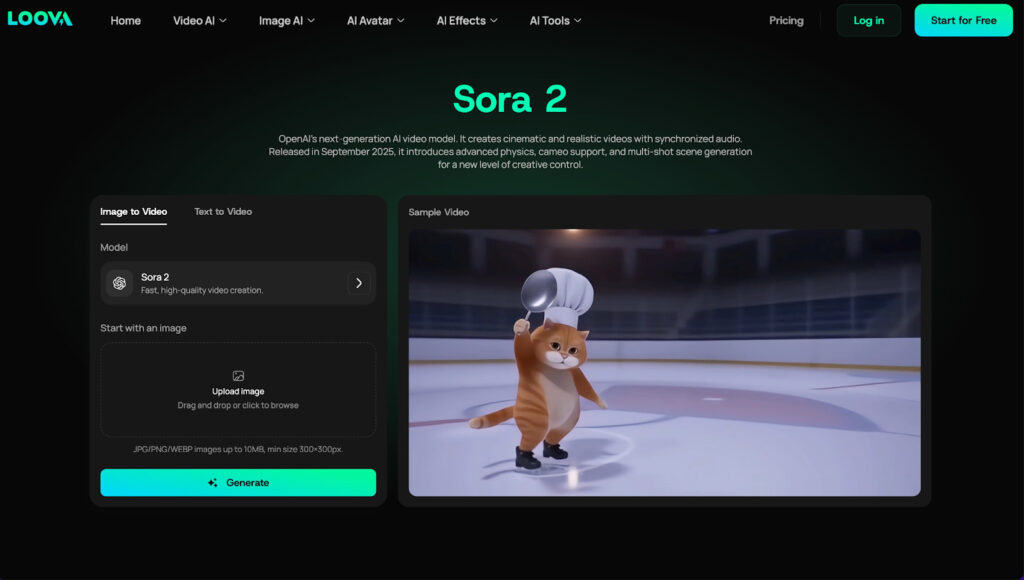
Sora 2 Pro allows for significant customization when creating AI-generated videos. If you’re a content creator looking to have more agency over your videos, this AI video model is for you. While most video AI models take a fully-automatic approach, Sora 2 Pro allows you to adjust video speed, transitions, text placement, and even the tone of the AI voiceover.
Ideal for lengthy or complex video concepts, Sora 2 Pro comes equipped with AI video scripting capabilities. With this model, you can create customized videos that are catered to your audience.
Why it’s great: Sora 2 Pro is ideal for businesses, educators, and influencers who need video content with a personal touch. The level of customization available makes it easy to adapt the content to different platforms and messaging strategies.
Test results: In Loova, the Sora 2 Pro model stood out for its user-friendly interface and its ability to allow detailed tweaks. The AI didn’t just generate videos; it generated content that felt genuinely tailored to my specifications, making it a perfect tool for anyone aiming for a personalized approach.
Kling O1: Streamlined Editing for Effortless Content Creation
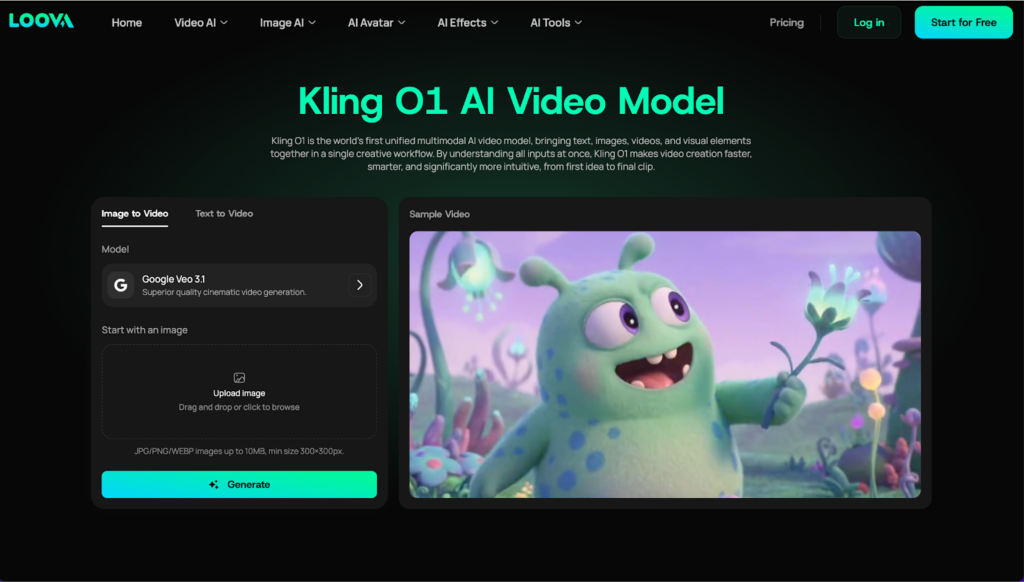
Kling O1 is an AI model specialized in video editing workflows. With features such as automated video editing, scene enhancement, color grading, and more built into one tool, Kling O1 takes the time out of your video editing process.
With Kling, you can work smarter and faster as a video editor. Artificially intelligently cut out junk footage, improve sound quality, create background noises, and alter the mood of your video with its color grading AI.
Why it’s great: If you ever need to whip up high-quality content quickly, this model is great at helping you produce videos you’d think would take way more time to complete.
Test results: Testing Kling O1 within Loova, I was impressed by how it trimmed and improved my videos. The automatic color grading seemed extremely advanced.
Kling 2.6: Advanced AI Video Editing for Professional Content
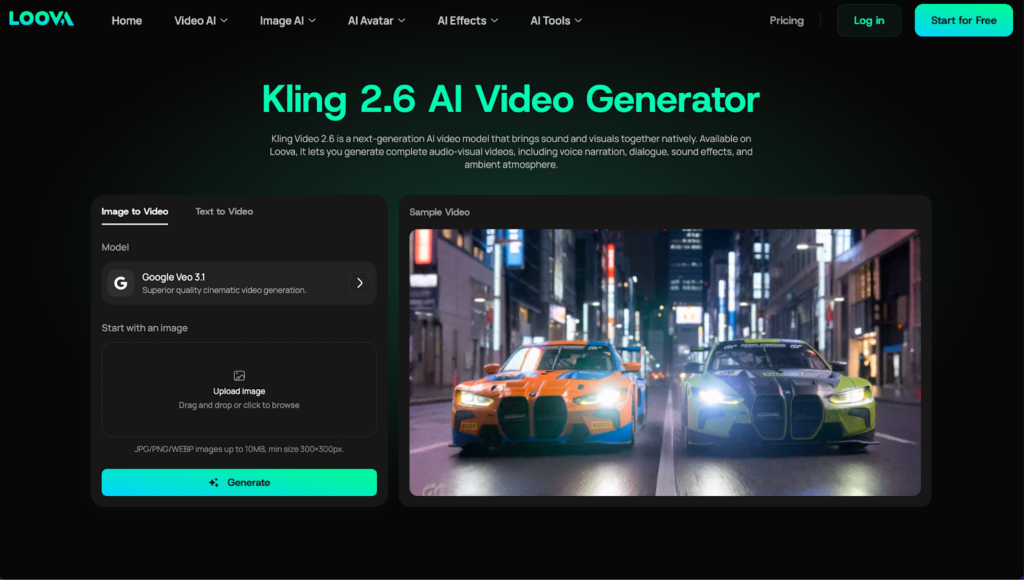
Kling 2.6 is the successor to Kling O1, and it was designed for video creators who want professional levels of control over their video projects. Kling 2.6 features build upon the automated video editing features of its predecessor with transitions between different scenes, background replacement, and artificial intelligence powered special effects.
Kling 2.6 is great when you want to create captivating content like music videos, long-form vlogs, commercials, or any other video project where “eye candy” is a top priority. The software even includes automatic shot detection that nails down the most interesting moments of your video clips so you can splice them together without worrying about clunky cuts.
Why it’s great: Kling 2.6 packs powerful tools for video creators that care about quick generation times as much as they care about quality final products. You can use this program for large projects without fear of lagging or loss of quality.
Test results: Kling 2.6 absolutely obliterated complex editing projects in Loova. We found ourselves reaching for this tool any time we worked on anything that could use some dynamically generated transitions or background replacement.
Wan 2.5: AI-Driven Voiceover and Speech Generation
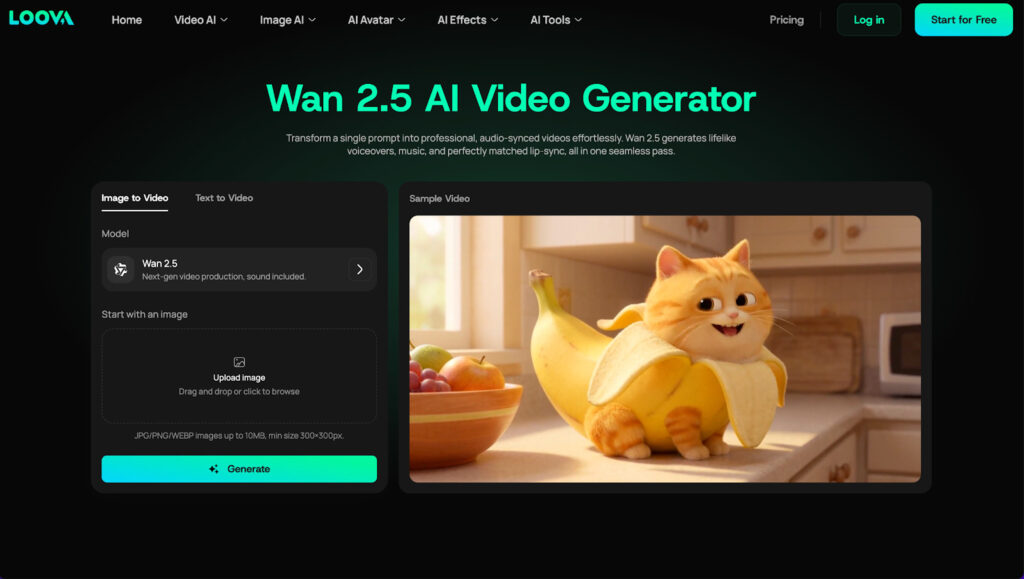
Videos can seem incomplete without narration. Wan 2.5 handles AI voiceovers and speech generation. Whether you need voiceovers in several languages, real-time speech synthesis, or completely natural voices in various tones and accents, Wan 2.5 can generate them. Use Wan 2.5 to create those explainer videos or tutorials with professional narration.
Use Wan 2.5 to sync your voiceover to your video with accurate pacing and timing.
Why it’s great: If you’re creating tutorial content, advertisements, or multilingual videos, Wan 2.5 ensures your message is delivered effectively and professionally, even without needing a recording studio.
Test results: When tested in Loova, Wan 2.5 provided crisp, realistic voiceovers. The voice synchronization was seamless, which made it ideal for content creators who need high-quality narration but don’t have access to voice actors.
Minimax Hailuo 02: AI Video Generation for Marketing and Sales
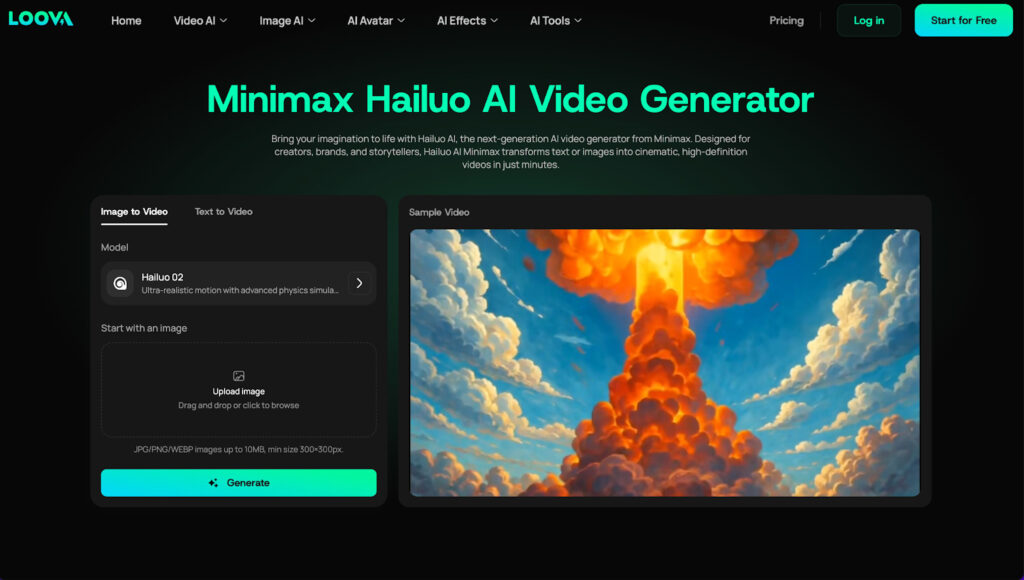
Turn ideas into engaging marketing and sales videos. Minimax Hailuo 02 creates high-converting videos designed to boost customer engagement and sales. Comes with automated video editing built in. Effortlessly produce video ads, product demos, and promotional videos.
Best AI model to create eye-catching videos FAST. Perfect for videos that need to go viral and convert visitors, whether it’s for email marketing, social media advertisements or your website.
Why it’s great: Minimax Hailuo 02’s sales-oriented features make it ideal for businesses that need to produce content designed to sell products or services without investing too much time or resources into video creation.
Test results: In Loova, Minimax Hailuo 02 exceeded expectations with its ability to automatically generate ad-style content. The video output was tailored for marketing purposes, providing great value for businesses aiming for conversion-focused videos.
PixVerse V5: The AI Model for Creative Video Effects
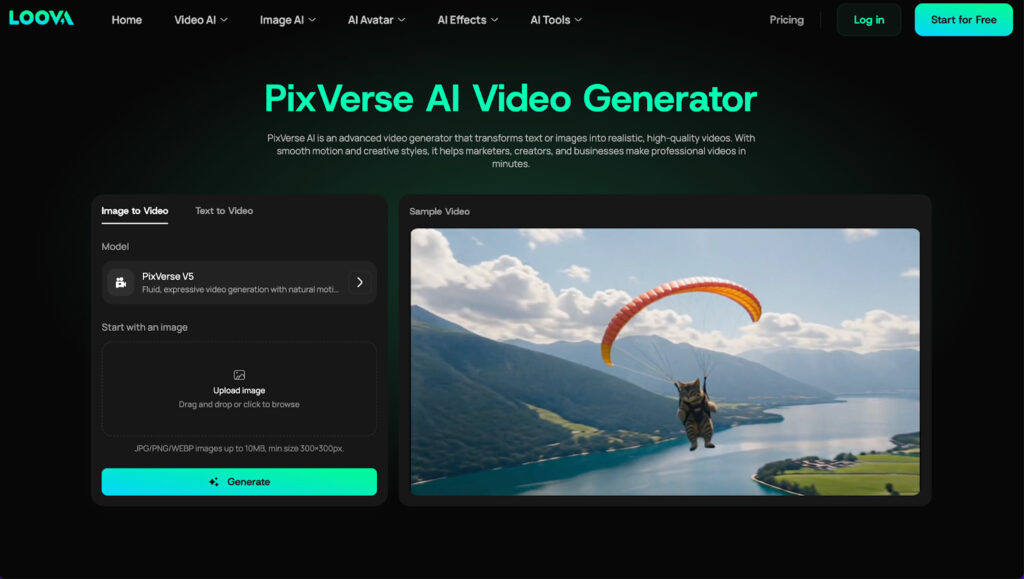
PixVerse V5 specializes in artistic video effects. This intelligent model allows users to add effects such as explosions, weather effects, and moving backgrounds to their videos to achieve Hollywood-style effects. Create epic music videos, action movie trailers, or just want to add some pizzazz to your TikToks, PixVerse V5 has you covered.
PixVerse V5 uniqueness is its user’s ability to create high-quality, not corny effects.
Why it’s great: For creators and marketers looking to make a memorable impression with their videos, PixVerse V5 makes adding special effects easy and seamless.
Test results: PixVerse V5’s effects worked beautifully within Loova, giving my videos that cinematic, polished look with minimal effort. The effects were high-quality and didn’t feel forced, which is exactly what you want for social media content.
Vidu Q2 Pro: Next-Level Video Personalization with AI
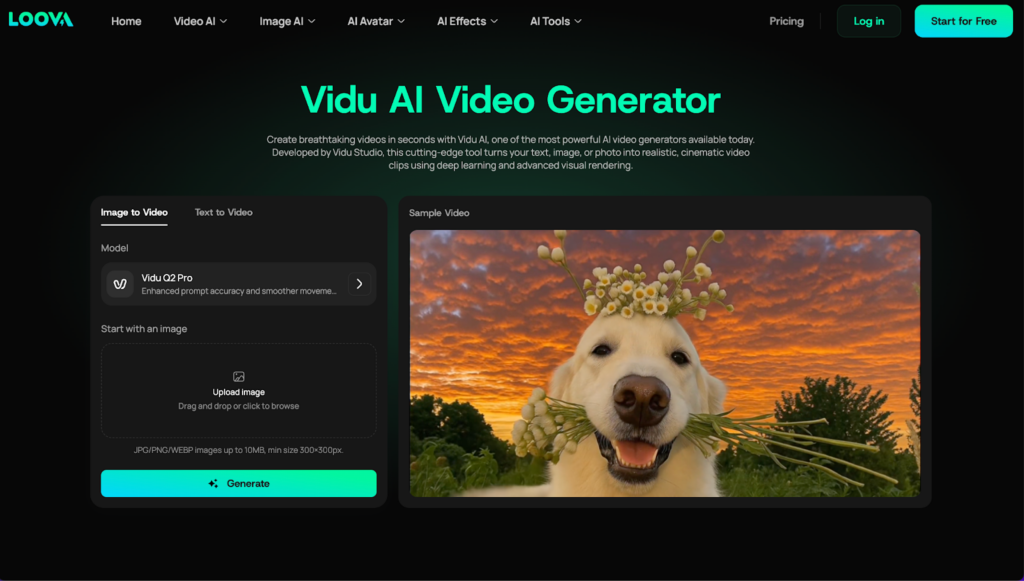
Introducing Vidu Q2 Pro. Elevate video personalization to the next dimension. Q2 Pro is an AI model built for face swap and character animations. Ideal for interactive or personalised videos where you want to interact with your audience.
Educational videos, personalised product recommendations, or interactive marketing campaigns. Q2 Pro allows for character animations to engage with your viewers on a more personal level.
Why it’s great: Personalized video content is increasingly in demand, and Vidu Q2 Pro makes it easier than ever to create engaging, custom-tailored videos.
Test results: The Vidu Q2 Pro integration in Loova was particularly useful for creating personalized content. The character animations and face-swapping features made my videos feel more dynamic and interactive.
Seedance 1.0 Pro: AI-Powered Movement Generation
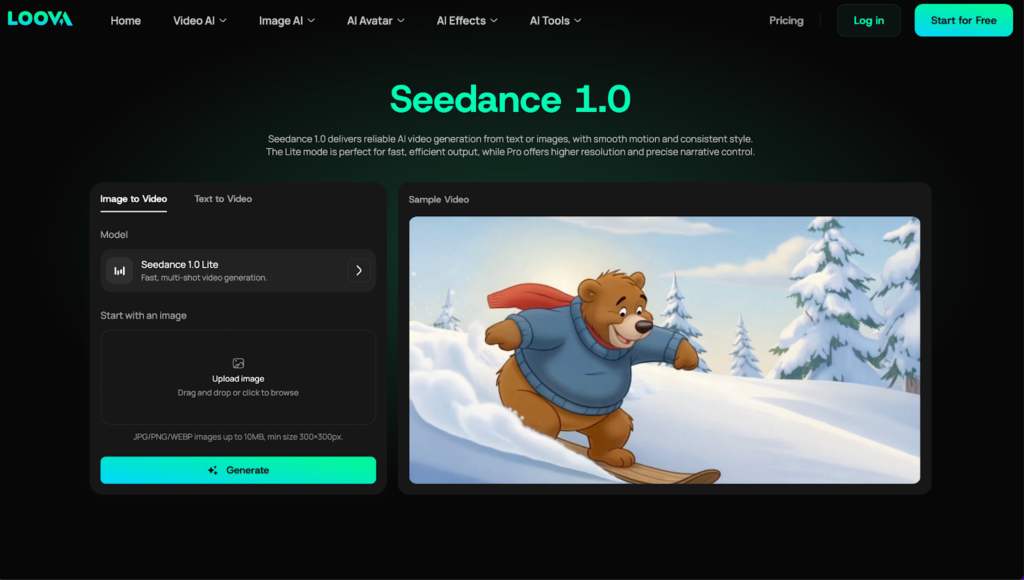
Newly integrated into Loova, Seedance 1.0 Pro brings AI-powered movement generation to the table. This model is perfect for creating movements for avatars or animated characters. Whether you’re creating content for music videos, advertisements, or gaming content, Seedance 1.0 Pro can generate fluid, realistic dance sequences based on your input.
Why it’s great: If you’re working on music videos, animated content, or even marketing campaigns that require movement and choreography, Seedance 1.0 Pro can automatically generate dance routines with lifelike motion.
Test results: Seedance 1.0 Pro produced smooth and realistic dance animations, which added an impressive level of motion and energy to my videos.
Comparing All the AI Video Models in Loova
Now that we’ve tested each of the best AI video models available in Loova, it’s time to compare them. Each model serves a unique purpose, from high-quality video generation with Veo 3.1 to creative effects with PixVerse V5 and AI-driven voiceovers with Wan 2.5.
For professional video production, models like Kling 2.6 and Veo 3.1 provide exceptional quality, while Sora 2 Pro offers more customization for those needing flexibility. Vidu Q2 Pro and Minimax Hailuo 02 cater to those needing personalization and marketing-driven content, while PixVerse V5 is a great choice for those looking to add visual flair to their projects.
What to Expect from AI Video Models in the Future (Post-2026)
The Future of AI Video Models Is Exciting As artificial intelligence technology improves, there will be more advanced models with new capabilities such as real-time content optimization, facial recognition technology upgrades, AI-powered interactivity, and much more. Stay tuned for updates from Loova as we bring these new technologies to you.
Conclusion
Create videos from text using advanced AI video models at Loova in 2026. There are AI video generators, AI video effects, personal video creators, and much more. Loova integrates the highest quality AI models for content creators, marketers, and businesses.
Generate professional videos from text with AI at Loova. Don’t wait any longer and try out the AI tools to make your videos sparkle!