Maintaining developer documentation, API reference guides, and engineering onboarding portals requires a steady stream of user interface screenshots. When software engineers and technical writers document new features, staging environment captures frequently contain internal test data, exposed staging API keys, sensitive customer identifiers, or messy browser bookmark bars. Utilizing an AI Photo Editor directly within the engineering documentation workflow eliminates the tedious overhead of manual raster clipping while preventing accidental data leaks.
In fast-moving development teams, the friction of updating documentation is a major cause of documentation rot. When an engineer ships an updated modal dialog, capturing a clean screenshot often takes twenty minutes of staging environment setup—spinning up test accounts, seeding synthetic records, and hiding confidential keys. If that capture still contains stray debugging badges, the engineer must either crop out vital UI context or open heavy graphic design software. Evaluating prompt-guided generative cleanup against traditional pixel clipping shows where browser tools eliminate friction for developer workflows.
The developer friction behind up-to-date software guides
High-quality technical documentation is essential for developer adoption. When an API integration guide or developer console tutorial features outdated UI captures with mismatched button labels or deprecated route parameters, developers lose confidence in the underlying platform. Yet technical writers and software engineers routinely dread the screenshot maintenance cycle.
Capturing live web applications introduces significant visual noise. Staging environments display banner alerts, temporary authentication tokens, developer build watermarks, and erratic mock database entries like “test_user_12345”. Sanitizing those captures manually using basic paint or crop tools produces unsightly black redaction boxes that obscure UI proportions and degrade documentation aesthetics.
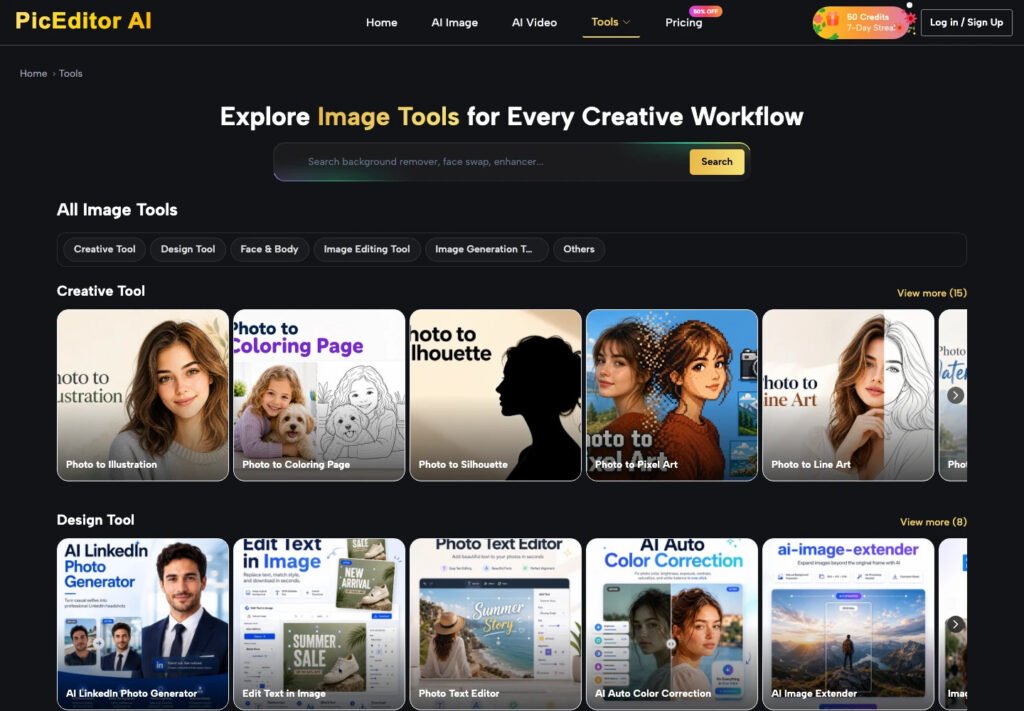
PicEditor AI provides technical teams with an agile, browser-based workspace designed for fast visual asset preparation. Instead of requiring developers to launch complex graphic suites, technical writers can sanitize UI captures and reconstruct clean background textures in seconds.
The inefficiency of manual redaction and context preservation
Traditional pixel masking using rectangular blur or solid black marker blocks is not only visually crude, but it frequently introduces usability problems. When a developer applies a heavy blur filter over a secret API key or email address in a terminal screenshot, the blurred patch often bleeds into neighboring syntax brackets.
In our technical writing tests, manually cloning dark code editor backgrounds using brush tools often produced mismatched color hex values that looked jarring on calibrated displays. Using context-aware inpainting allows writers to remove sensitive strings while perfectly preserving syntax font backgrounds and adjacent code lines.
Furthermore, when an engineer encounters extraneous browser chrome or an irrelevant side navigation menu, the instinctive reaction is often to crop the image down to an isolated button or dropdown. However, tight cropping deprives readers of crucial orientation cues within complex enterprise applications. Inpainting allows technical writers to erase the specific element while leaving the broader application layout intact.
Direct comparison across technical publishing benchmarks
Technical documentation teams operate under strict accuracy and turnaround requirements. Evaluating generative browser workspaces against traditional desktop editors and programmatic screenshot scripts clarifies where each solution belongs in the documentation pipeline.
The comparative matrix below details how modern prompt-driven editing platforms compare against legacy desktop suites and automated headless browser scripts:
| Evaluation Metric | Traditional Desktop Suites | Automated Headless Scripts | Generative Browser Workspaces |
| Sanitization Turnaround | Ten to fifteen minutes per screenshot | Complex script setup; fragile selectors | Under sixty seconds per UI capture |
| Syntax Background Preservation | Manual cloning; prone to color band mismatch | None; captures raw rendered DOM directly | Seamless inpainting matching dark and light themes |
| Engineering Setup Overhead | Heavy workstation software installation | Continuous maintenance of Playwright scripts | Zero setup; accessible via standard web browser |
| Selective Redaction Quality | Obtrusive blur boxes or black redaction bars | Requires custom CSS injection before capture | Clean texture fill matching surrounding UI panels |
| Resolution And DPI Scaling | Manual canvas resizing and sharpening | Depends on headless browser viewport flags | Native high-resolution support with 2X/4X upscaling |
As demonstrated across these evaluation benchmarks, browser workspaces provide technical teams with unmatched agility for everyday documentation touch-ups. They eliminate the fragile maintenance of headless browser scripts while providing vastly cleaner visual results than blunt redaction boxes.
Automating workflow integration with developer Git hooks
Integrating image sanitization into continuous integration and Git workflows prevents unredacted visual assets from ever merging into main documentation branches. Engineering teams can establish pre-commit linting rules that flag image uploads exceeding byte limits or containing suspicious high-contrast pixel patches.
By coupling browser-based inpainting tools with automated pull request reviews, teams ensure every screenshot embedded in Markdown or MDX documentation undergoes visual validation before deployment. This automated discipline maintains pristine documentation standards while keeping developer publishing friction to an absolute minimum.
Practical UI redaction workflow in a browser workspace
Executing clean UI sanitization requires an orderly, multi-step routine. The workspace homepage accommodates screenshots in JPEG, PNG, and WEBP formats up to 30 MB, easily supporting uncompressed high-resolution captures from 4K developer monitors.
Rather than managing complicated layer stacks, technical creators leverage intuitive action chips including Erase object, Enhance photo, and Upscale image. These focused modes allow developers to execute specific redaction tasks without risking accidental alteration of core application logic.
Sanitizing API Keys And Auth Tokens In Natural Language
When preparing code walkthroughs or developer dashboard captures, sensitive bearer tokens or production webhook endpoints must be stripped. Upload the raw capture into the workspace and select Erase object.
Working through a ChatGPT Photo Editor allows writers to provide precise natural language instructions: “Erase the long alphanumeric token inside the API Key input field and replace it with a clean empty field placeholder.” The generative engine analyzes the input container borders, reconstructing clean background padding without blurring surrounding JSON formatting.
Restoring low-resolution legacy terminal graphics
Open-source repositories and internal engineering wikis frequently suffer from low-resolution terminal captures created on older monitors. Text appears blurry, and command-line flags are difficult for newcomers to parse.
Selecting Upscale image applies structural enhancement algorithms that sharpen character edges and eliminate raster compression noise. PicEditor AI sharpens monospaced typography without distorting syntax punctuation, ensuring terminal examples remain crisp and legible across high-density displays.
Operational guardrails and documentation security rules
While automated inpainting drastically accelerates screenshot preparation, engineering teams must maintain strict compliance safeguards regarding technical documentation.

In our technical writing tests, aggressive algorithmic passes occasionally produced warped terminal borders or blurred bracket pairs under close pixel examination. When interface syntax drifts or code keywords become unreadable, that candidate export must be rejected and discarded immediately rather than pushed to public docs repositories.
Generative inpainting should never be used to fabricate non-existent product features, invent fictional API endpoints, or falsify benchmark performance graphs. Ensure that the sanitized capture reflects actual software behavior so developers can reproduce documented steps without unexpected runtime errors.
Furthermore, never upload unredacted high-security credentials, such as production database root passwords or live financial webhook secrets, to public browser tools. Ensure initial staging test tokens are used during capture to prevent confidential exposure.
Strategic summary for software engineering teams
High-quality documentation drives developer satisfaction, lowers support ticket volume, and accelerates platform onboarding. PicEditor AI equips engineering teams and technical authors with an intuitive, agile visual workspace that removes the mechanical pain of maintaining product screenshots.
By empowering developers to sanitize test credentials, eliminate visual UI clutter, and upscale legacy terminal captures in seconds, technical teams keep documentation in continuous sync with rapid product releases. Incorporate browser-based editing into your documentation review pipeline to ensure your engineering guides always reflect production excellence.