A logo is generally the first real step in establishing a brand identity. This may be when a new startup launches, when a company wants to test a concept, or when it decides to formalize its current business. Your logo will create impressions about your company even before anyone reads anything else you write.
With today’s increasing number of AI logo generators, there has never been a better time to create logos more quickly and easily. That being said, the platforms for creating logos with AI are not created equally.
Two tools, two design philosophies
Two of the most commonly referenced logo generator options include Design.com and Turbologo. Both aim to simplify design and eliminate the need for professionals, but they are taking very different approaches to achieving this goal.
One option is based upon ease of use and speed through automation, and the second option is centered around scalability, owning what you’ve created, and the ability to establish a professional image.
Quick comparison overview
| Feature | Design.com | Turbologo |
| Primary Focus | Logo-first branding platform | Automated logo generator |
| Logo Templates | 360,000+ professional templates | Limited algorithm-generated designs |
| Design Style | Clean, business-ready, industry-focused | Simple, modern, repetitive styles |
| Customization | Guided edits for consistency | Basic customization options |
| AI Tools | 50+ branding and design tools | Logo-focused automation |
| Ownership | Extended licenses and exclusivity | Standard usage rights |
| Commercial Safety | 100% commercially safe designs | Standard commercial use |
| File Formats | PNG, JPG, SVG, PDF, EPS | File access varies by plan |
| Best For | Businesses prioritizing quality and scalability | Fast logo drafts and simple needs |
Design.com: Structured, professional, and purpose-built
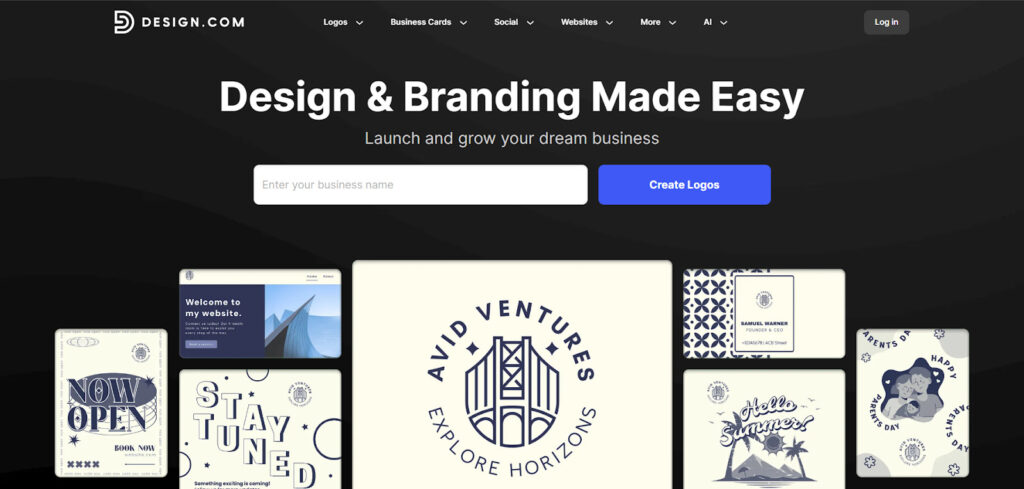
Design.com provides users with a highly adaptable and comprehensive design tool that creates more than just a logo for an organization. With Design.com, users can leverage AI-driven design capabilities combined with user-friendly design capabilities to generate professional logos as well as complete branding kits in under five minutes.
Using Design.com as either an experienced designer or an inexperienced designer will make it possible for users to create quality images of their brand.
Key features
- Logo creation using AI technology: Create several different logo ideas based on your company name, type of business, and your own personal style preferences, so you have many choices.
- Modify your design: The ability to modify every part of your logo (font styles, color schemes, iconography, shapes, and layout) makes it possible to customize your final product.
- Create brand kits: Create other brand-related items such as business cards, social media graphics, and marketing collateral that are all consistent with your overall brand strategy.
- Download high-resolution files: Receive scalable vector files that can be used in various forms, whether it is online or printed in a large format, and receive web-ready files to ensure ease of use on the web.
- Simple to use: A step-by-step guide and an easy-to-use dashboard help to keep the design process simple and fun for everyone.
Benefits
- Design.com helps save time by generating concepts using AI, while still allowing for a lot of creative freedom.
- The platform generates professional, strong logos that are ready to use in any format (print or digital).
- It is a part of a full branding package, not just a logo design option.
- Design.com guarantees your brand will have the same look and feel across every channel you put content on.
Design.com is more than just a logo generator; it is an entire suite of tools to create a complete and unified branding image.
Turbologo
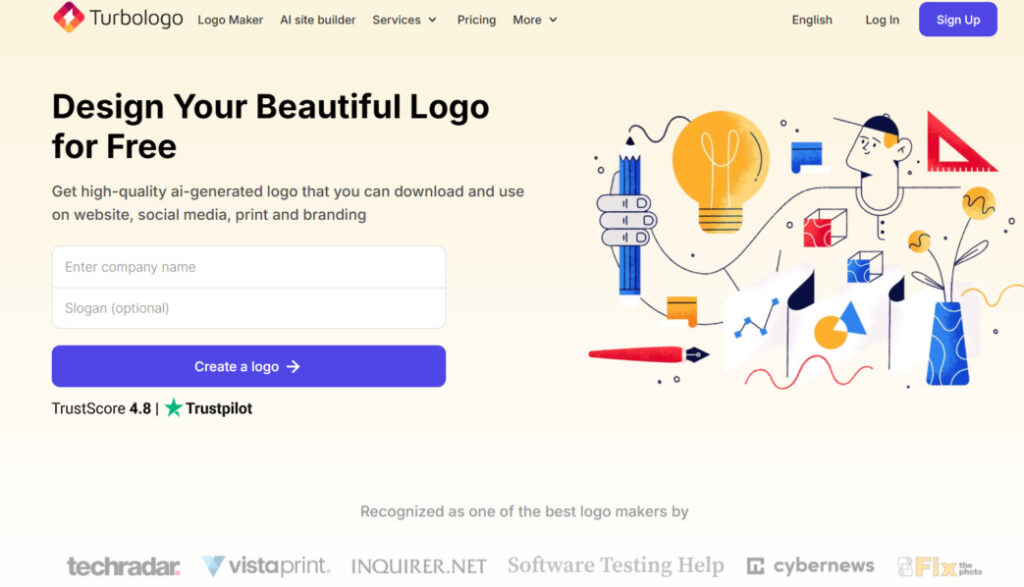
Turbologo is an easy-to-use, fast way to create a logo with as little time and effort required to make a logo as possible.
Key Features
- Instant Logo Ideas: It gives you suggestions for logos instantly from your business name and type of business.
- Pre-Made Templates: Thousands of pre-made template designs available for a fast way to create a logo.
- Basic Logo Editing: Allows you to edit the font style, color, and icon to customize your logo.
- Affordable Pricing Options: Very affordable pricing plans, making it a good choice for a startup or a small business.
Benefits
- It’s fast and convenient for the user who just wants a basic logo.
- You don’t need to have any design experience to be able to use Turbologo.
- For small business owners on a tight budget, Turbologo will fit your needs.
Although Turbologo is easy to use, it does not offer the same level of creativity as Design.com; nor are there nearly as many logo customization options, nor are their brand building tools.
Final Verdict
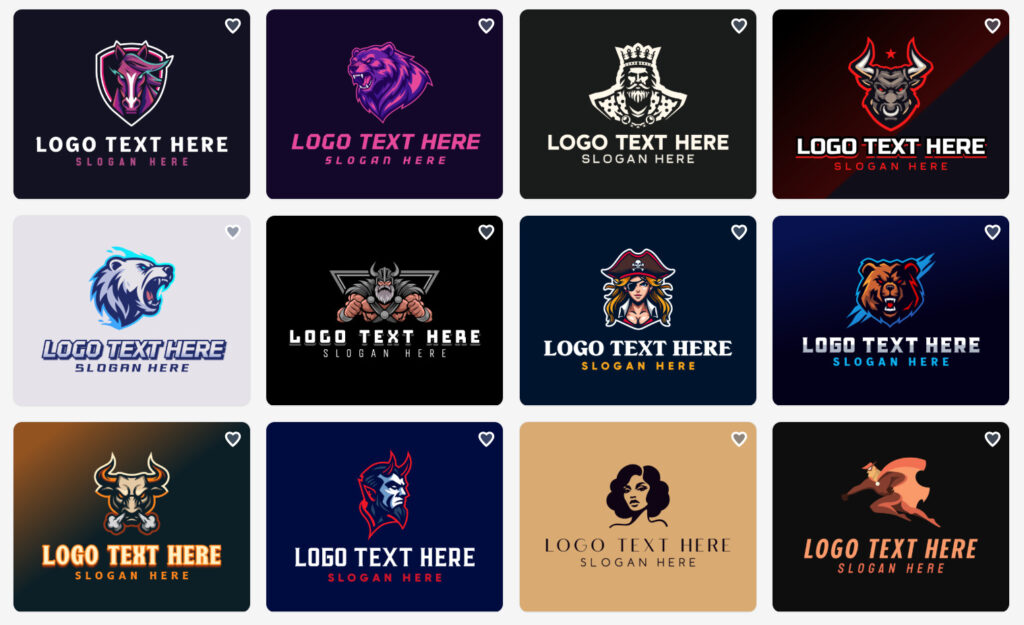
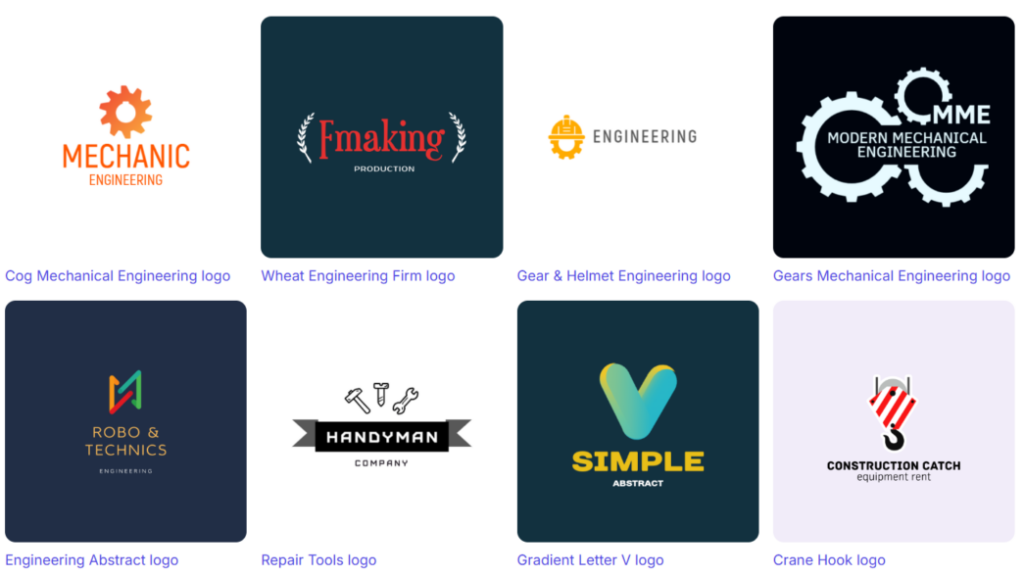
Obviously, Design.com stands out as a better choice. With its advanced AI technology in its design and complete brand kit, as well as the ability to customize completely for businesses looking for an advanced and professional way to create their Brand Identity.
Turbologo is a good option for a fast, simple logo creation, but it cannot offer the same level of quality, flexibility, or branding support as Design.com.
Summing Up
Creating a professional logo and a cohesive, visually appealing identity is key to leaving an impression on customers. Finding new ways for creative expression and consistency will help you establish a solid identity. That’s why it is crucial to choose wisely.
Professional and strong branding is what will determine how your target audience will know and remember you, and Design.com is a top choice supporting your goals. Choosing Design.com, you get all the necessary tools and features to achieve that with ease and confidence.









Leave a Reply